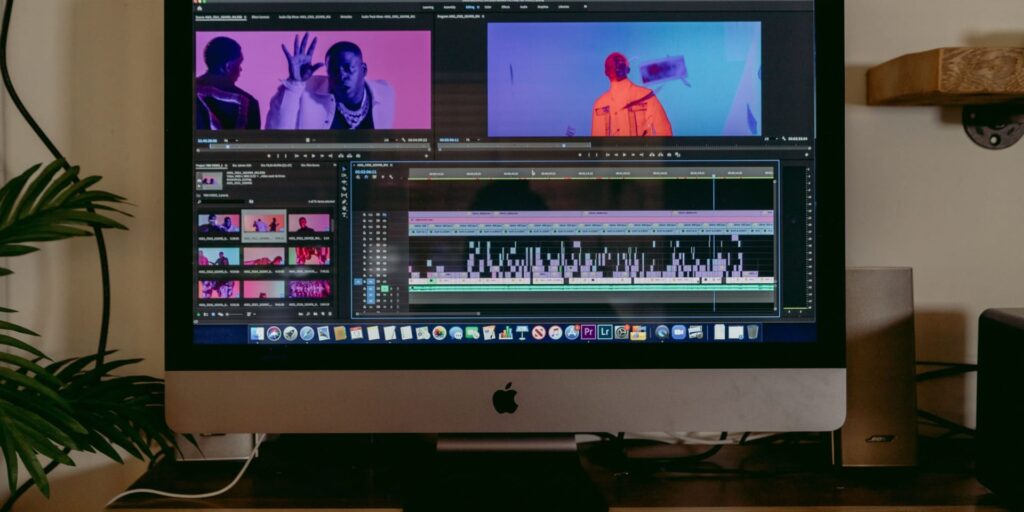
Ever felt overwhelmed by all the video content you have but not sure where to start when it comes to editing—or worse, wished you could polish things up but thought you’d need to shell out for expensive software? I’ve been there! When I started stepping in front of the camera, I remember thinking: “Isn’t making great video just for people with giant budgets or big teams?” Turns out that couldn’t be further from the truth. In testing dozens of free tools on my own journey from anxious beginner to producing shows for TV, I found some surprisingly simple—and powerful—options.
The Free Tools I Trust for Video Editing
- DaVinci Resolve: It’s a favorite for a reason. Yes, it can look intimidating at first, but for basic cuts, color tweaks, and adding music, it’s smooth sailing (and supports both Mac and Windows). There’s a learning curve, but loads of free tutorials can get you started.
- CapCut (Desktop/Web): For those who like things quick and easy, CapCut’s drag-and-drop style makes trimming clips, adding text, and throwing in simple effects feel almost fun. It’s especially handy for social media.
- Shotcut: Open-source, straightforward, and runs on just about any computer. It’s perfect if you want a no-nonsense editor without installing big programs.
- Canva Video Editor: Believe it or not, Canva isn’t just for graphics anymore. Their free online editor is intuitive for creating quick promo videos or adding animated text to highlight your key message.
Tips for Getting the Most Out of Free Software
- Take it one step at a time. Pick a single tool and get comfortable with the basics—cutting, trimming, simple transitions—before diving into anything more fancy.
- Repurpose your content. Edit your long shows into short highlight clips for YouTube, your website, or social media. Just this one trick can boost your visibility and reach without extra filming.
- Don’t be afraid to experiment. Mistakes are how you get better, and free tools mean you can try things out without feeling pressured!
My Favorite Free Resource (and an Invite)
If you’re feeling stuck or want one place to get the basics (gear, editing, confidence), my 7 Steps to Produce Your First Show guide walks you through everything you need to start, without spending a fortune. You’ll find simple workflow tips and a curated list of recommended tools so you can finally get your message out your way. Get the free guide and explore more beginner-friendly resources to start editing right now.
Remember—what matters most is your story and your willingness to show up. If you have questions about using any of these tools, or just want to see how I put them to work on my own videos, you’re always welcome to browse the latest tips and tutorials on my blog.